Getting Started Guide for Experience
The Blinn Ellucian Experience is a home page portal for all employees and students based on cards of related information and links that are customizable to a user’s preference. This Guide will provide a walk-through and customization guide.
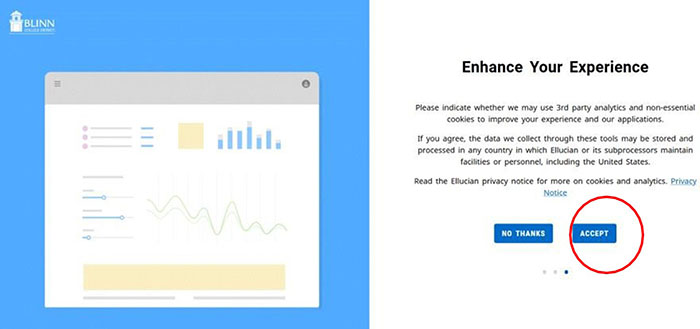
- The first time you go to your new homepage at Blinn, you will get a series of introductory pages introducing you to the Ellucian Experience.
Click Accept on the third introductory slide to begin using your new portal:
- All cards are available by default, including those for faculty, staff and students depending on your affiliation(s) with Users have a variety of customization options to personalize the page and display relevant tabs any way desired.
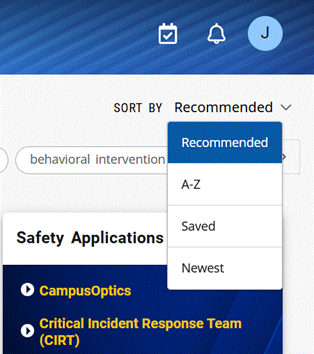
Change the arrangement of the cards via the” Sort By” feature at upper right. You can sort cards alphabetically, by newest, etc.
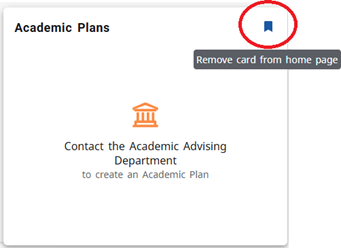
- Cards can be added or removed via the ribbon in their left Remove unwanted cards from your page by clicking on their solid ribbon.
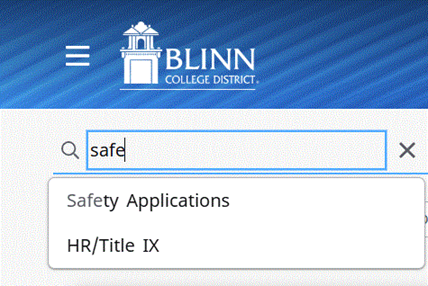
- Search for cards via the “Discover” link under the Main Menu using keywords.
- Cards can be saved back to your home page by clicking on the clear
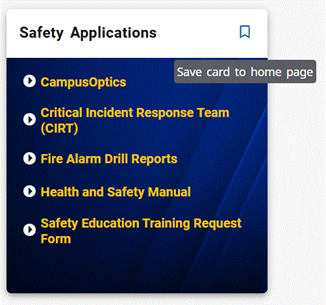
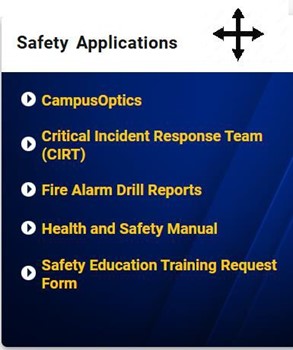
- Rearrange cards on your home page by clicking at the top and Your mouse icon will change to four arrows indicating the card can be moved. Try placing frequently accessed cards near the top of your list.
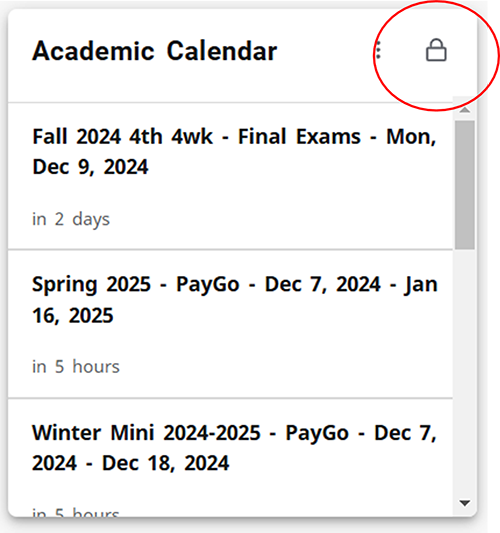
- Cards with the lock icon in their upper right corners cannot be moved or
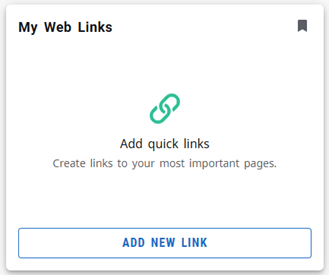
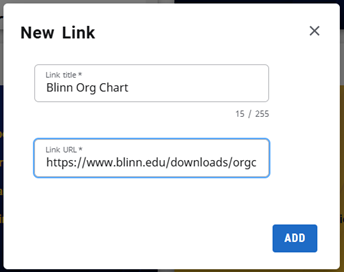
- Customize the My Web Links card by clicking the “Add New Link” Enter the data and click “Add.”